 My Fisio Agenda

On Monday and Wednesday mornings you see patients at a clinic that lets you use a treatment room in exchange for 30% of every session. On Tuesday and Thursday afternoons you treat athletes at a gym that pays you at the end of the month. Fridays are for home visits around the neighbourhood and, every other Saturday, you head down to the local football club's pitch. That makes four places with four prices and four ways of getting paid. The clinic keeps your appointments in its own program, the gym uses a paper rota and you track the home visits on your phone.
If this is how you work, physio software for multiple locations is of little use if it is just one more diary. What you need is a single diary that holds every place you work, with whatever changes from one to the next. Below you will find what the software should do when you work across several locations, how to keep track of what each one pays you, what changes when you invoice a clinic, what happens with clinical records and how to set it all up in My Fisio Agenda.
Where your diary gets messy when you work at several locations
With one place, any diary will do. When you work at several locations, the same things go wrong again and again:
- A patient at the gym asks to move their session to Thursday at 12, you say yes from memory, and on Thursday at that time you are at the clinic.
- You leave the clinic at 2pm and someone has booked you in at the gym at 2pm, as if the twenty-minute drive did not exist.
- A patient you see at two places turns up at the wrong one.
- At the clinic you charge €45 and keep 70%, the gym pays you €35 a session and home visits are €55. At the end of the month you have no idea how much you earned at each place.
- On the 30th you have to invoice the gym, check the clinic's statement and note down what your home-visit patients paid you.
None of these is serious on its own. The trouble is that they come back every week, and each one costs you time, an annoyed patient or a session you never get paid for.
What physio software for multiple locations should do
Before choosing a program, check that it handles these five things. We also explain how My Fisio Agenda does it, so you have something to compare against.
All your appointments in one diary
The first thing is to see the whole week, with appointments from every location, on one screen. In My Fisio Agenda you add each place once, under Centers, and when you create an appointment you choose where it is; the name of the location appears on the appointment itself. If you try to book two appointments at the same time, even at different locations, the diary will not let you and tells you that slot is taken. You can see what the day, week and month views look like on the online scheduling for physiotherapists page.
Working hours for each location
If you are at the clinic from 9am to 2pm and at the gym from 4pm to 8pm, your physiotherapy diary needs to know. In Settings, under General, you pick each workplace and give it its own hours. That way, when a patient requests an appointment from "My Space", they only see times at the location where you treat them, which is the one where they had their last session. And if you open your diary to the public, the booking link offers times within your locations' hours and leaves the gap between them empty: with the clinic from 9am to 2pm and the gym from 4pm to 8pm, nothing is offered between 2pm and 4pm.
Travel time takes up space in the diary too
The twenty-minute drive between the clinic and the gym is not written down anywhere, which is why someone ends up booking a patient right there. The simplest fix is to block it. With "Block time" you can set aside a slot on a single day or every week, for example 2pm to 2:30pm every Tuesday and Thursday. A block takes up the time just like an appointment, so you cannot book over it by mistake, and your patients do not see it in "My Space" or in online booking.
The price and length of each location
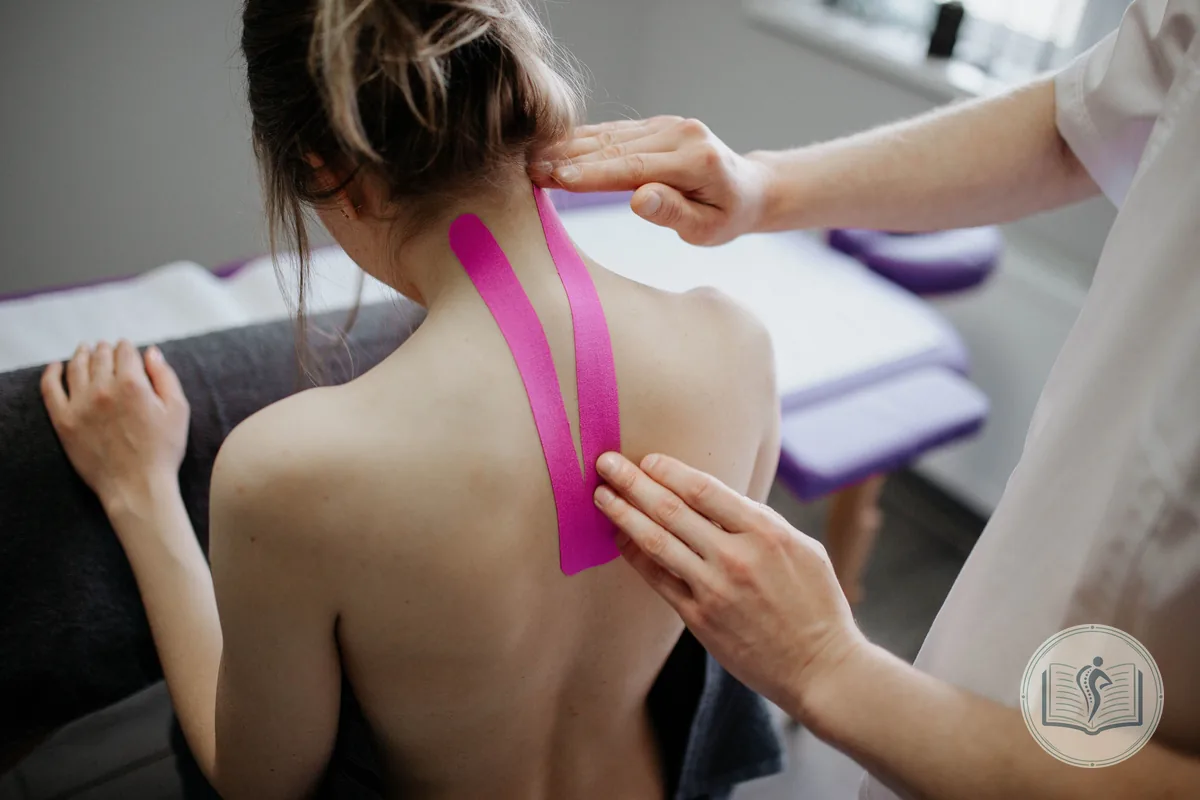
At the clinic your sessions last 45 minutes and at patients' homes, an hour. When you add each location you give it a default price and session length, and new appointments you create there come with those details already filled in. If the patient has had sessions before, the program uses the price and length of the last one, which is usually what you want once a course of treatment is under way.
Reminders that say which location to go to
When a patient sees you at two places, the reminder has to tell them which one to go to. My Fisio Agenda's automatic WhatsApp reminders go out 24 hours before, and also when the appointment is created if you want, with the date, the time and the name of the location. They come with two buttons, "Confirm appointment" and "Cancel appointment". If the patient cancels, the slot becomes free in your diary and you can give it to someone else.
How each location pays you: a percentage, rent or a monthly invoice
Each place pays in its own way, and the software has to understand the three most common arrangements. Most physios have more than one at the same time.
If the location keeps a percentage
You charge the patient and the location keeps a share, say 30%, or a fixed amount per session. You enter that practice commission on each location's record, as a percentage or in euros, and every appointment shows the total price and what you keep. In Statistics you see your Physiotherapist Profit, which is yours, separately from the Center Profit, which is the locations' share.
If you pay rent for the room
You pay a fixed monthly amount and keep everything you charge for sessions. In the software, that location has no commission and the rent is just another business expense. The rent invoice does carry VAT: Spanish VAT law only exempts the rental of homes and land, so the centre will invoice you with 21%.
If you invoice the location at the end of the month
Here the location charges the patients and pays you for the sessions you did there, so you are the one who invoices it each month. In My Fisio Agenda you can invoice the clinic in one step: choose the month's sessions and the program groups them by location, with one invoice for each, using the legal name, tax ID and address on that location's record.

If almost all your work comes from one location
Spain's Self-Employed Workers' Statute (in Spanish) calls anyone who receives at least 75% of their income from a single client an economically dependent self-employed worker, or TRADE (article 11). In that case, the contract with that client has to be in writing, state that you depend on it economically and be registered (article 12). If you keep the payments and invoices for all your locations in the same program, you have the figures to hand to work that out.
Invoicing a clinic: VAT, withholding and invoice details
When you go from invoicing patients to invoicing a clinic, there are three things to look at.
The first is VAT, and nothing changes here: if what you are invoicing is physiotherapy treatment, the invoice is exempt. The healthcare exemption applies even when you provide the service to a company that then invoices the patient, as Spain's Directorate General for Taxes explained to the physiotherapy colleges in ruling V0679-13 (in Spanish). A cosmetic massage or Pilates as a sport does carry VAT, whoever you invoice.
The second is income tax withholding (IRPF). A private patient withholds nothing, but a clinic that pays you as part of its business has to withhold 15% of the invoice. If you started practising this year or in the previous two, and had no professional activity the year before you started, it can be 7%, as long as you tell the clinic in writing.
The third is the details. A full invoice must include the recipient's tax ID and address, so fill in each location's record properly from day one: the legal name, tax ID and address you enter there are the ones that appear on the invoice. My Fisio Agenda adds the exemption note citing article 20.1.3 of Law 37/1992, lets you choose the withholding on each invoice and gets them ready for VeriFactu.
Clinical records when the patient belongs to the clinic
This tends to be left until something goes wrong. Spain's patient autonomy law, Law 41/2002 (in Spanish), says that each centre keeps the clinical records of its own patients (article 14) and that professionals working on their own are responsible for keeping the documentation they produce (article 17). The Spanish physiotherapy code of ethics puts it the same way: each centre and each individual professional is responsible for keeping and safeguarding the clinical record (article 19).
Before you start at a clinic, agree three things in writing:
- whose patients they are, the clinic's or yours;
- where the clinical record is written, in the clinic's system or in yours;
- who keeps the signed consent forms.
If the patients belong to the clinic and it asks you to record everything in its system, do it there. If they are yours, the record goes in your software and you keep it for at least five years after discharge. And if you ever stop working at that clinic, the code of ethics asks you not to poach or redirect its patients: you can only keep treating those who choose you of their own accord (article 45.2).
Home visits and sports clubs: they count as a location too
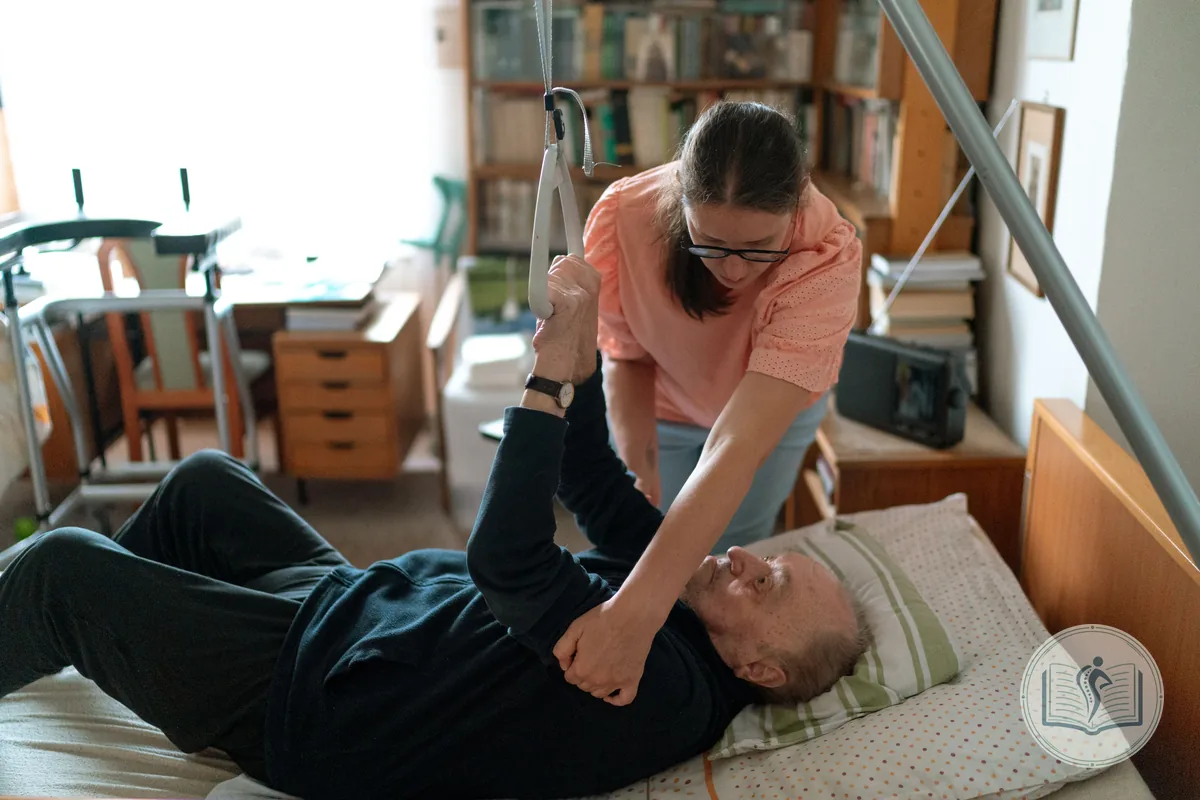
Home visit physiotherapy has no fixed address, but in the diary it works like any other location. Create it with a clear name, such as "Home visits", with the price you charge outside the clinic and a session length that allows for travel. Each patient's address goes on their record.
Before the first visit, send the patient the form link. They fill in their details and sign the consent form on their phone, and you arrive with the paperwork done. The link expires after 48 hours, so send it once the appointment is confirmed.
A club works in a similar way. If the club pays for its players' sessions, add it as a location and send it one invoice a month for all the sessions there. If each player pays you, every session has its own payment, just as in your clinic. Either way, the club shows up in the diary with its name and its hours.
Your week in My Fisio Agenda, step by step
This is how to set up a week with several locations, from the first day to month end:
- Add each place under Centers, with its name, address, price, session length and commission if there is one. If you are going to invoice it, add its legal name and tax ID.
- In Settings, under General, choose each workplace and set its hours.
- Use "Block time" for the journeys that repeat every week.
- Import your patients from the Excel or CSV file you already have. If the file includes the location of each session, the wizard shows you the locations it finds and creates any that are missing.
- Turn on automatic reminders, so each patient knows which location to go to.
- At the end of the month, create the invoice for each location that pays you and check in Statistics what you have kept.
If you work as a self-employed physiotherapist, the software for self-employed physiotherapists page covers everything else the program does: clinical records for each session, consent forms signed on screen, session packs and VeriFactu invoices.
How much physio software for multiple locations costs
In My Fisio Agenda, the number of locations does not affect the price: you can create as many as you need on any of the three plans for self-employed physios. Semilla costs €4.99 a month for up to 15 patients, Junior €19.99 with unlimited patients and Senior €29.99 for busy diaries. What changes between them is the number of patients, automatic reminders and VeriFactu invoices each month. Prices exclude VAT, there is no minimum contract, and the details are on the plans and pricing page.
If several physios work at one of your locations and want to run the whole clinic on the same software for physios, there are clinic plans from €99.99 a month for up to five physiotherapists, with the whole team's diary, rooms, commissions and settlements.
The best way to find out whether it suits you is to try it with your real week: your locations, your hours and your patients. You get 1 month free, no card needed, and nothing is charged when it ends.
Frequently asked questions about physio software for multiple locations
What physios who split their week between several locations ask us most often.
Can I manage several locations in one piece of physio software?
Yes. In My Fisio Agenda you add each place you work as a location, with its address, hours, price, session length and commission if there is one. All appointments appear in the same diary and each one shows which location it is at.
How many work locations can I create in My Fisio Agenda?
As many as you need. The three plans for self-employed physios, Semilla, Junior and Senior, have no limit on locations. What changes between them is the number of patients, automatic reminders and VeriFactu invoices each month.
Will the software warn me if I book two appointments at the same time at different locations?
Yes. The diary will not save an appointment that clashes with another one or with a block, even at a different location, and tells you that slot is taken. That way you never commit to being in two places at once.
Does the invoice I send a clinic for my sessions include VAT?
Not if it is for physiotherapy treatment. According to Spain's Directorate General for Taxes (ruling V0679-13), the exemption applies even when you provide the service to a company that then invoices the patient. What it usually does include is 15% income tax withholding, or 7% in your first years of practice.
What if almost all my income comes from one clinic?
If a single client pays you at least 75% of your income, Spain's Self-Employed Workers' Statute treats you as an economically dependent self-employed worker (TRADE). The contract with that client has to be in writing, state that dependence and be registered.
How do I handle home visits in the diary?
Create a location called, for example, "Home visits", with the price and session length you use outside the clinic. Each patient's address goes on their record, and before the first visit you can send them the form link so they fill in their details and sign the consent form on their phone.
Can I import my patients if I already work at several locations?
Yes, from an Excel or CSV file. If the file includes the location of each session, the wizard shows you the locations it has found and creates any that are missing, so you do not need to add them one by one beforehand.